01 / See
Capture what
is visible.
Kitchen Scan identifies candidate items from the image instead of asking you to type everything manually.
 Kitchen intelligenceSign inStart cooking
Inventory only works if adding food does not become a second job. Kitchen Scan is for turning what the camera can see into useful kitchen state, then letting you correct the exceptions.
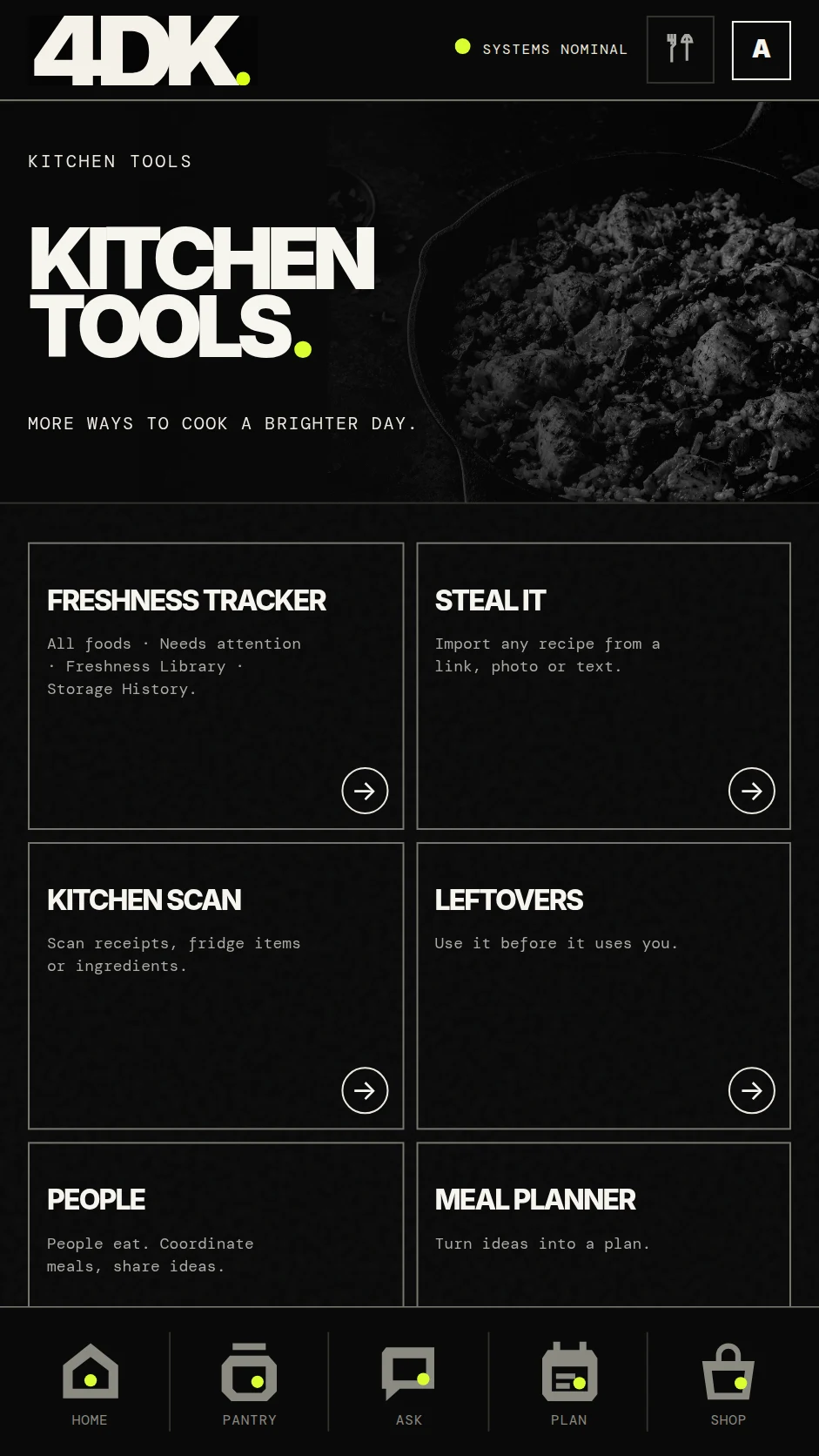
A one-off AI description is not enough. Scan results should become pantry records that freshness, Ask, Plan and Shop can actually use later.
Kitchen Scan identifies candidate items from the image instead of asking you to type everything manually.
The user corrects ambiguity, quantity or storage details only where the system is uncertain.
Confirmed items become shared context for recommendations, planning, freshness and shopping.
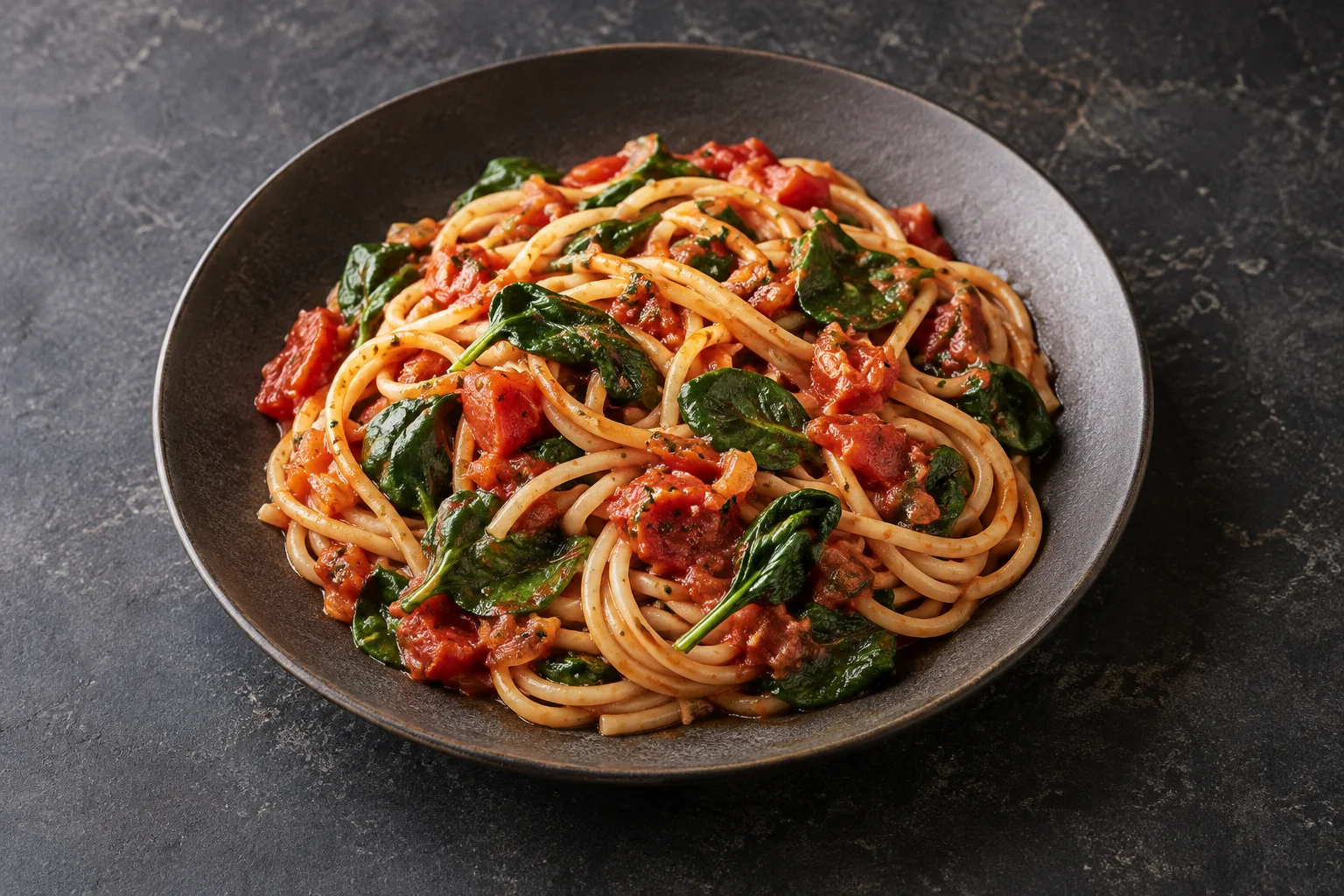
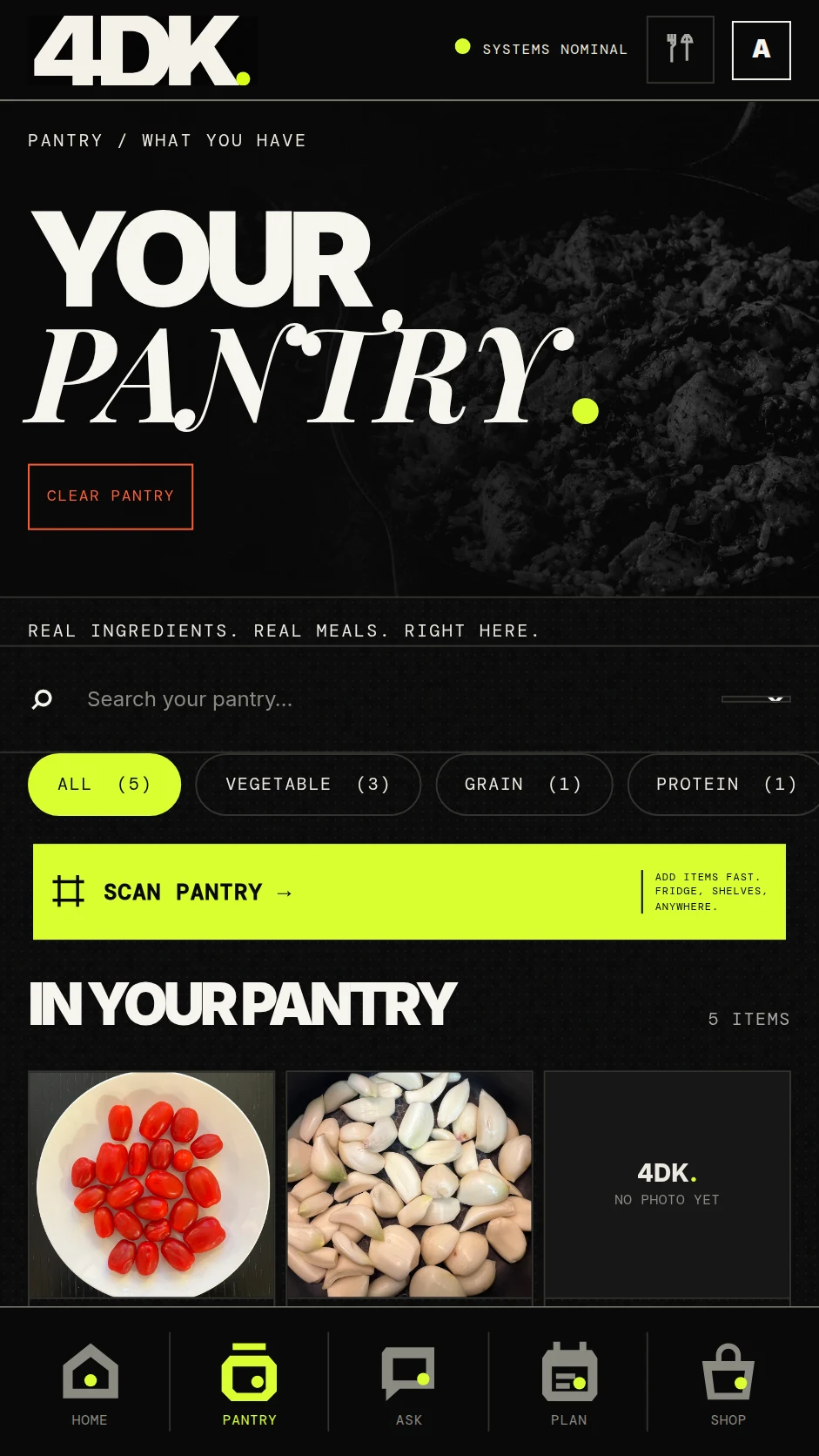
Recognition is impressive once. Context is useful every day. The value is not that 4DK can see a tomato. It is that the tomato can keep affecting future kitchen decisions.
Get 4DK →Clear enough for humans. Structured enough to become useful search and answer-engine material later.
The goal is the opposite: capture groups where possible, then confirm only uncertain items.
Confirmed items enter Pantry so other 4DK systems can use the same kitchen state.
Yes. Scan is an acquisition path, not the only way to maintain Pantry.
 4DK.FOR D KITCHEN.